Confirm your identity to view shared permits
Confirm your email address to securely access and review permits that have been shared with you via a permit hub link.
Audience
This guide is designed for project manager.
Steps
Step 1: Open your permit hub link
When you open the shared permit link, a confirmation screen titled "Confirm it's you" appears, asking you to verify your identity before viewing the permits.
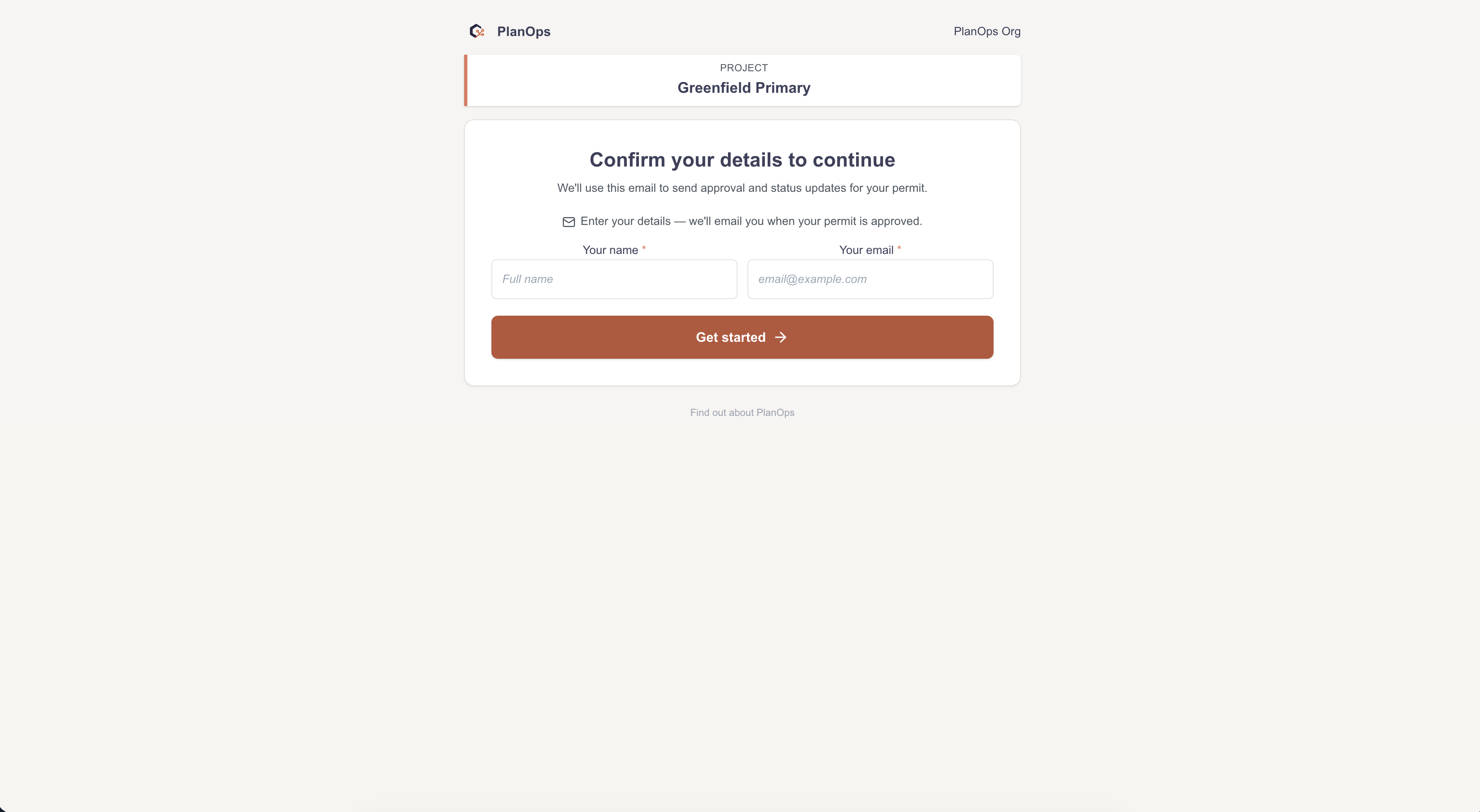
Step 2: Enter your email address
Type your work email address into the Email field exactly as it was used to share the permits with you, ensuring there are no spelling mistakes.
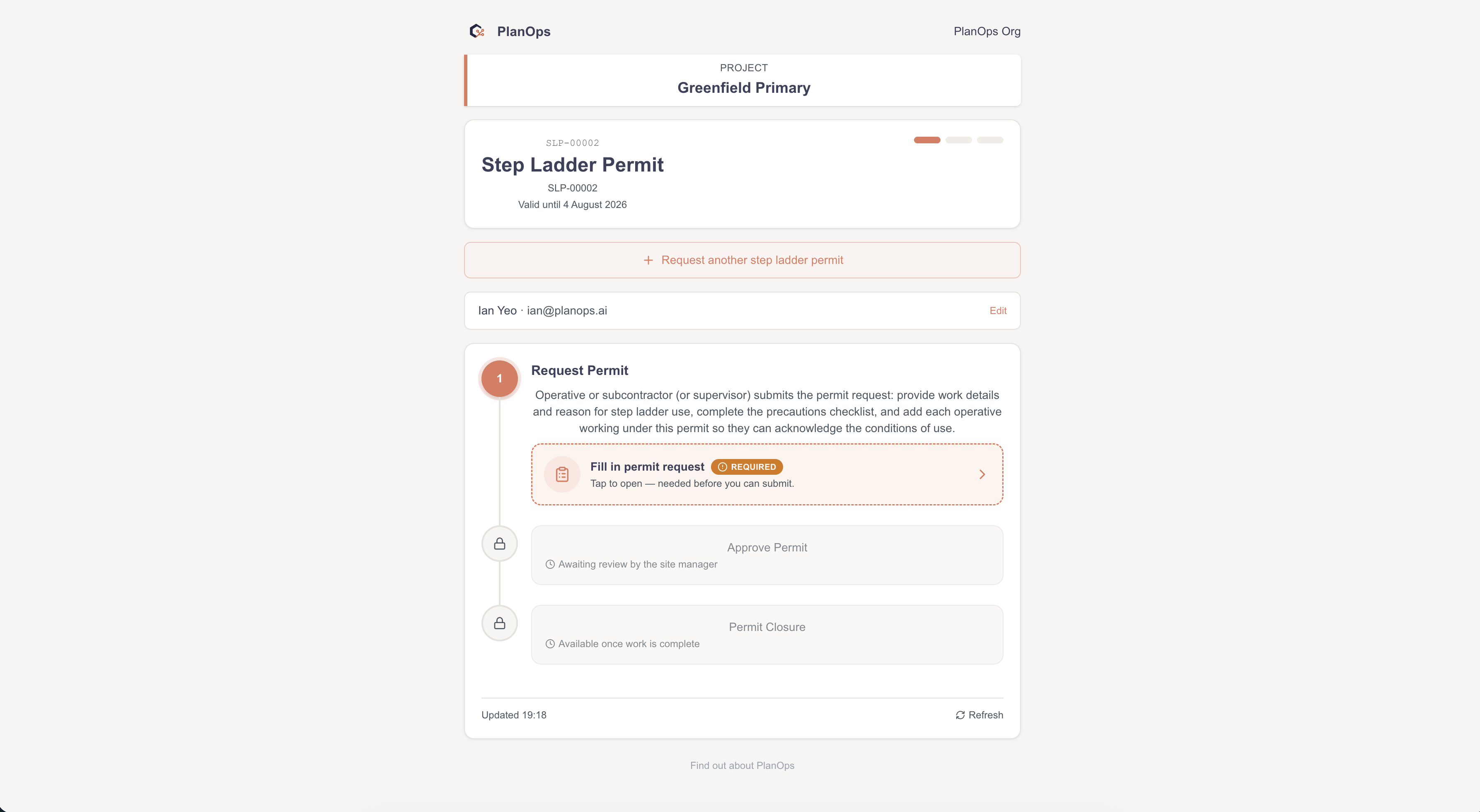
Step 3: Confirm and view your permits
Select the "Show my permits" button; after verification, your permits (for example, "Hot works" and "Excavation") are displayed and your email is remembered for this hub so you will not be asked again on your next visit.
Last updated: 2026-06-12T00:00:00.000Z