Create and Manage Projects
Create new projects with optional framework templates, edit project details like dates and budget, and manage project licenses and team assignments. Archive or restore projects as needed.
This guide is designed for project manager.
Steps
Step 1: Navigate to Project Settings
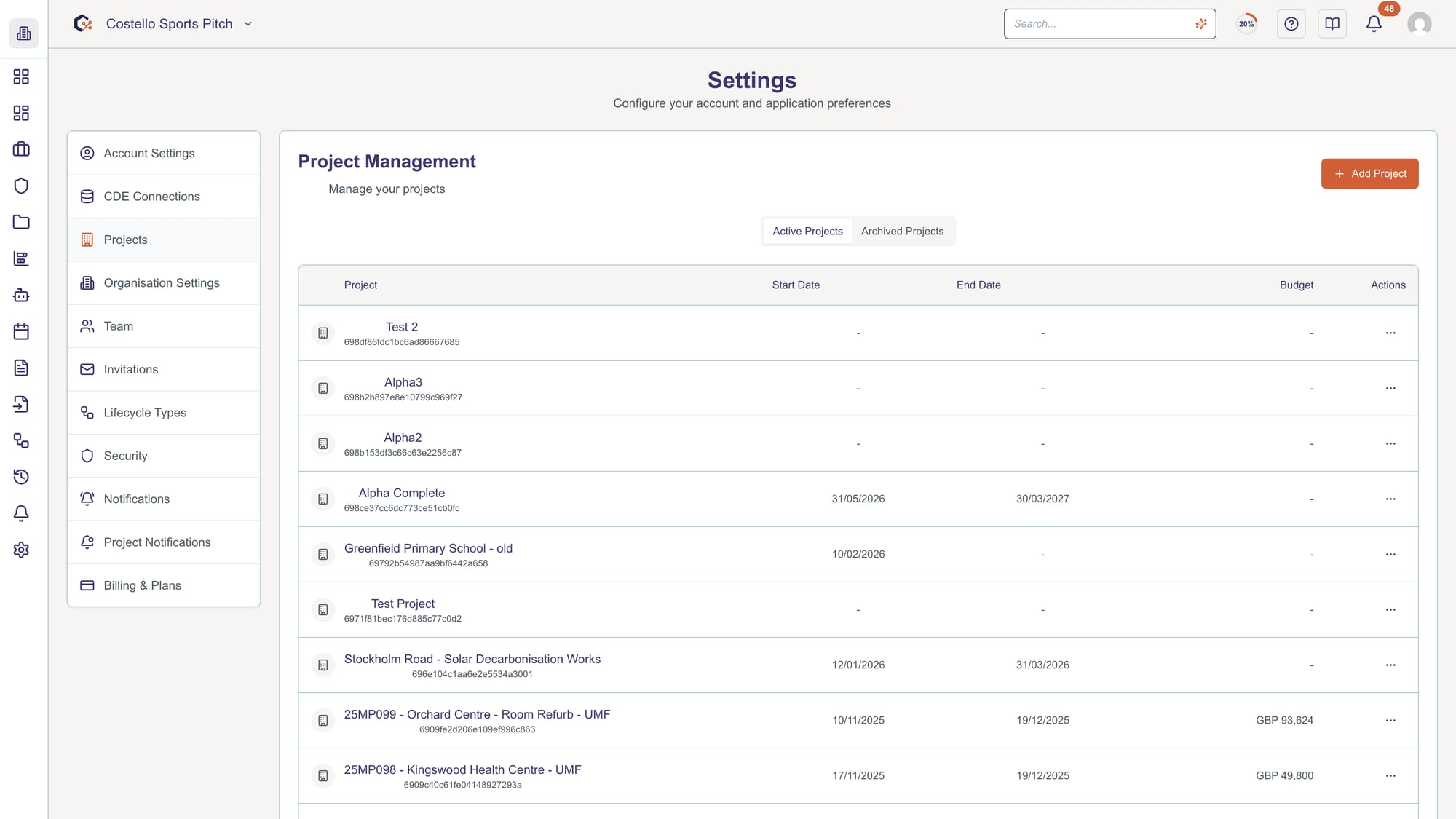
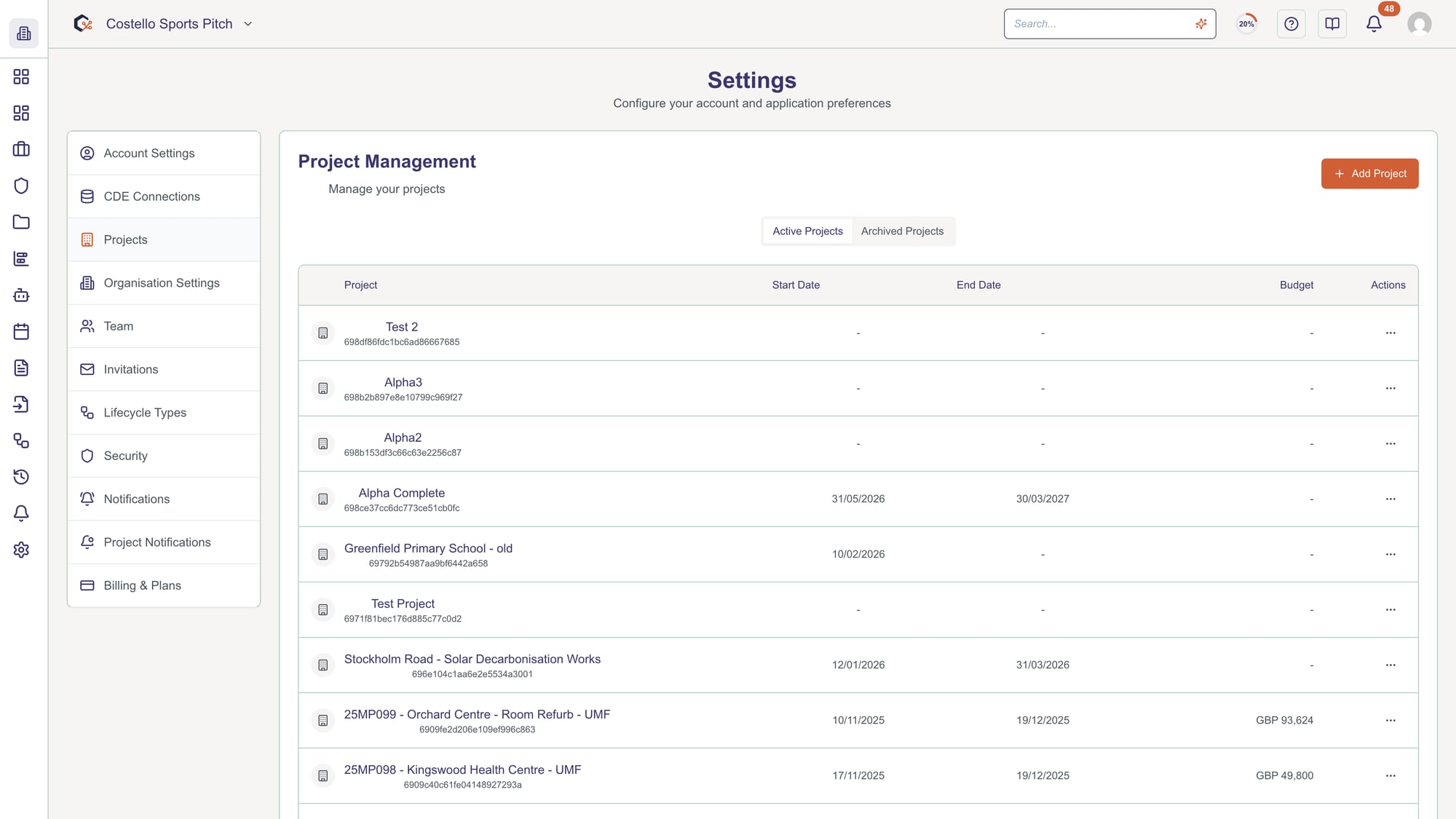
From Settings, click Projects in the left menu. This shows all your organization's projects with options to create new ones or edit existing ones.
Step 2: View existing projects
The projects table displays all active projects with: project name, start date, end date, budget, associated license, and status (active/archived). Use the tabs to view Active or Archived projects separately.
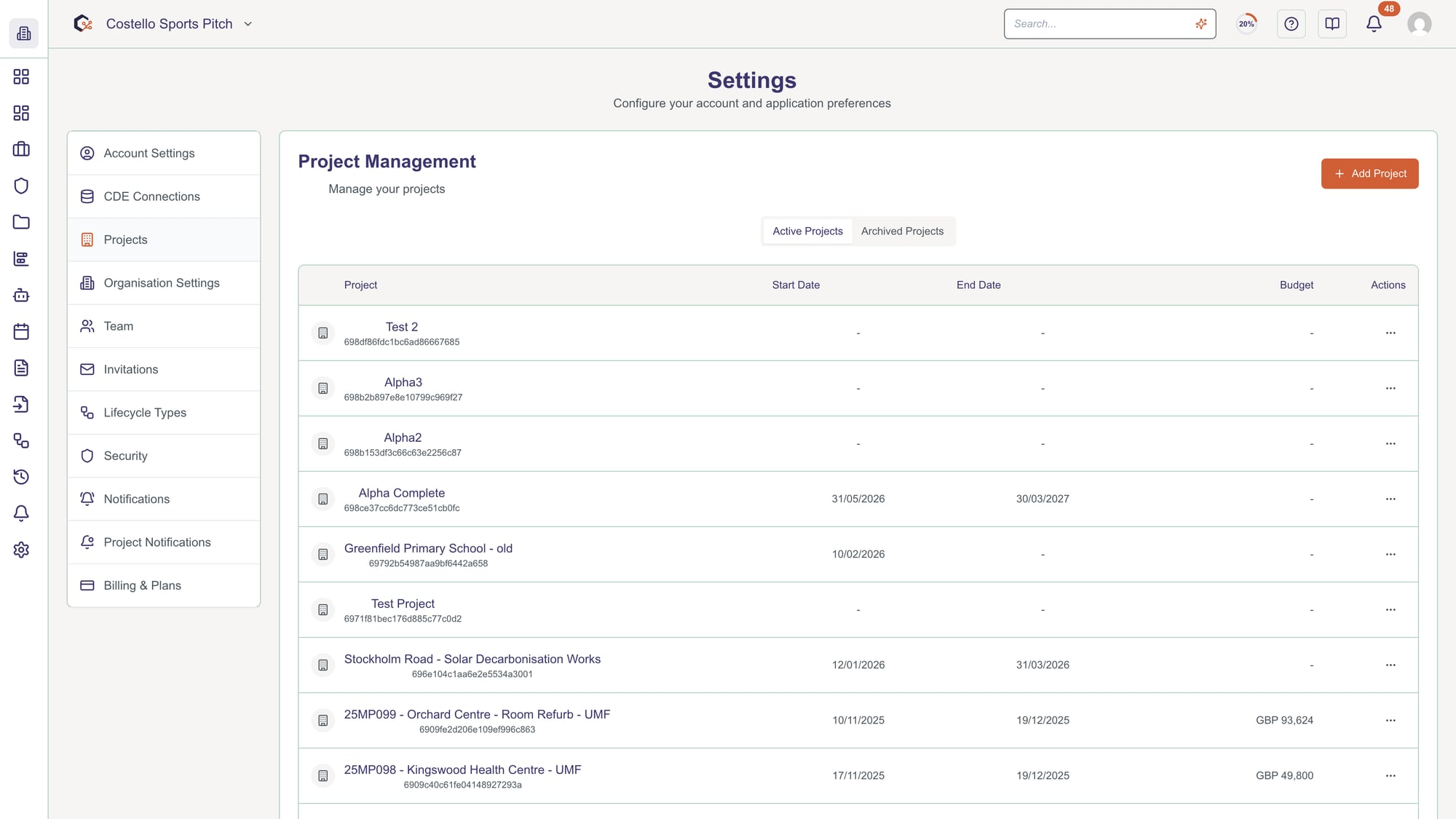
Click on any project row to edit its details.
Step 3: Create new project
Click Create Project button. In the dialog, enter the project name, select start and end dates. Optionally apply a project framework (template of default settings, custom fields, etc.) to pre-configure the project.
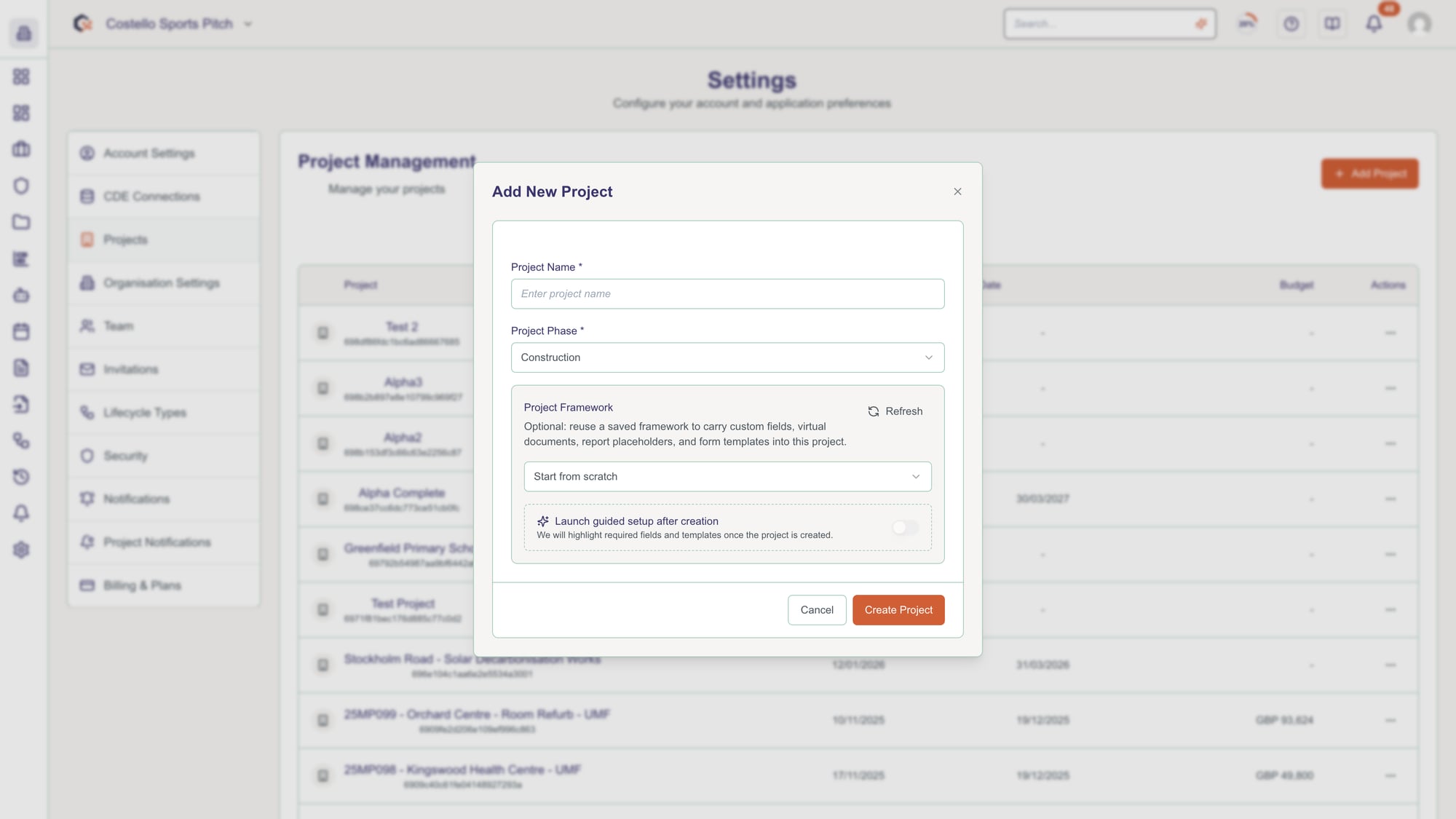
Project frameworks set up templates, custom fields, and default configurations.
Step 4: Edit project details
Click the pencil icon on a project to edit inline. You can modify: project name, start date, end date, budget amount, and currency. Changes are saved immediately.
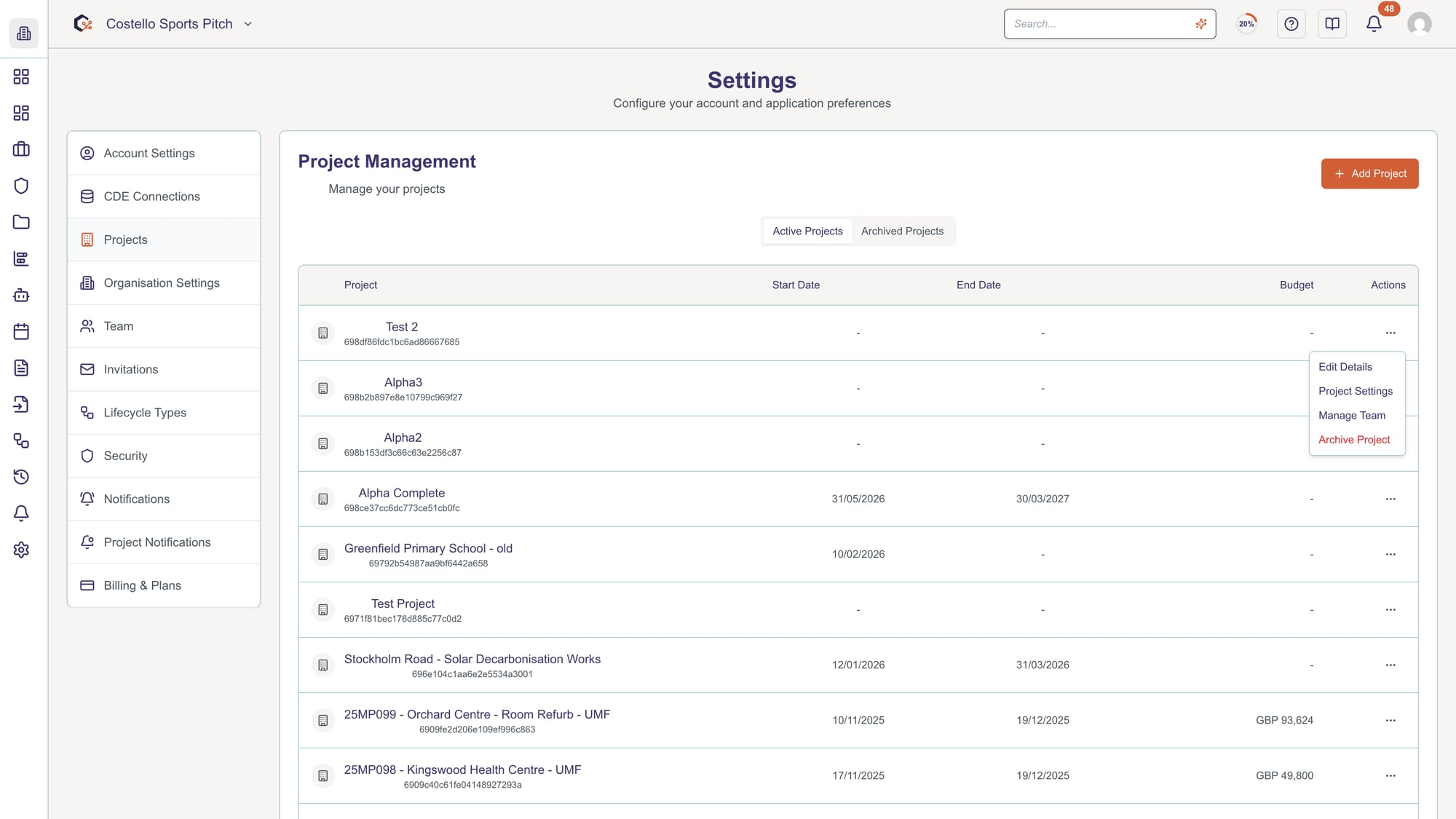
Historical data is not affected by date changes.
Step 5: Assign project license
In the project row, click the license dropdown to assign or change the license for the project. Available licenses display with their features. Select the appropriate license tier for your needs.
Ensure you have sufficient licenses available before assignment.
Step 6: Manage project team
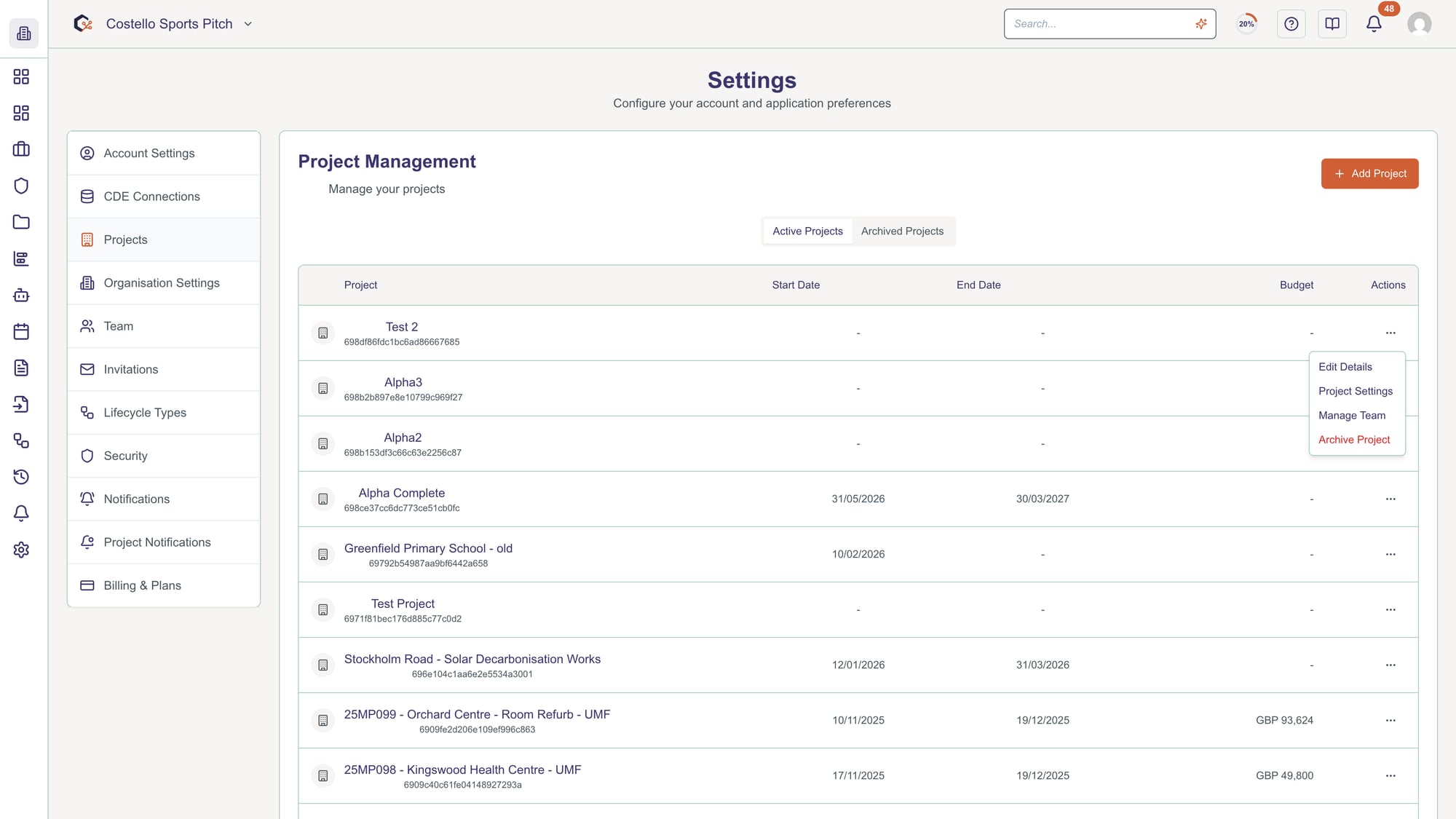
Click Manage Team for a project to see and modify team members assigned to that specific project. You can add, remove, or change roles of project team members.
Step 7: Archive project
To archive an inactive project, click the Archive button on the project row. Archived projects are hidden from the main list but remain accessible in the Archived tab. Team members lose access to archived projects.
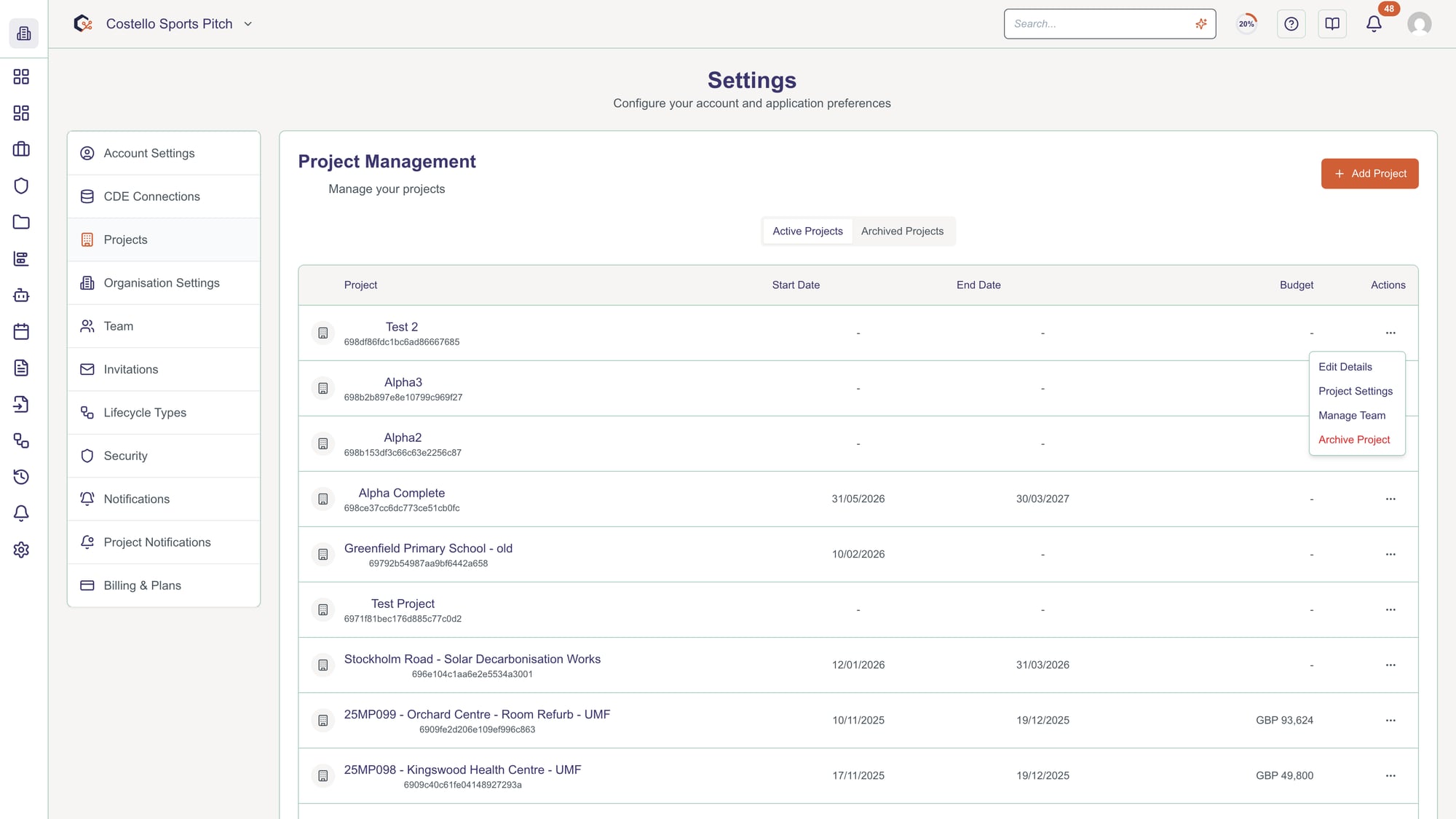
You can restore archived projects at any time.
Video Tutorial
Related Tasks
Last updated: 2025-12-08