Manage temporary works
Manage the temporary works register for your project — items and designs, their approval status, and the permits that authorise work to proceed.
This guide is designed for construction professional.
Steps
Step 1: Open the Temporary Works section
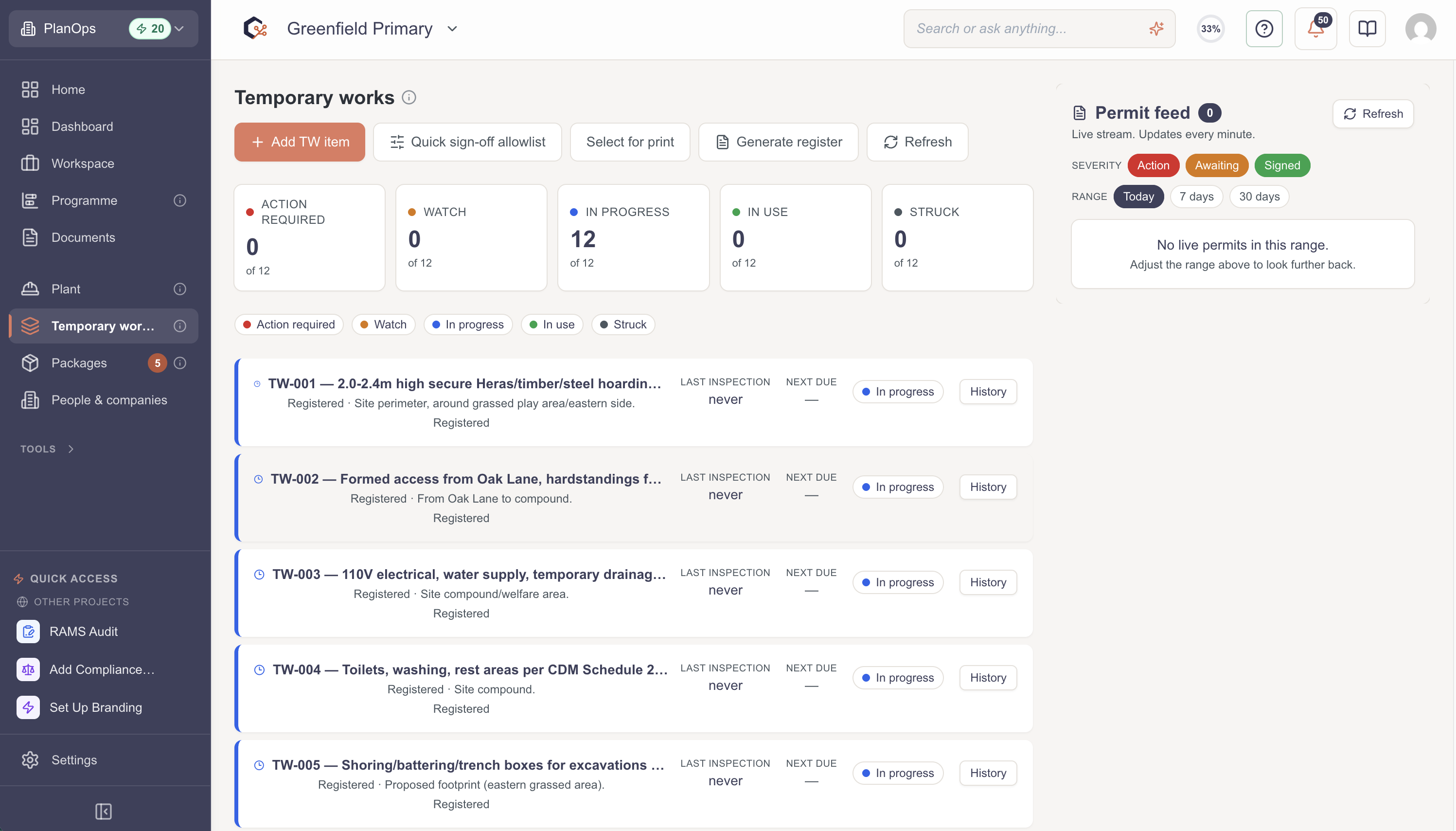
Navigate to the Temporary Works section for your project; the dashboard loads with the register and the current status of each item.
Step 2: Review the temporary works register
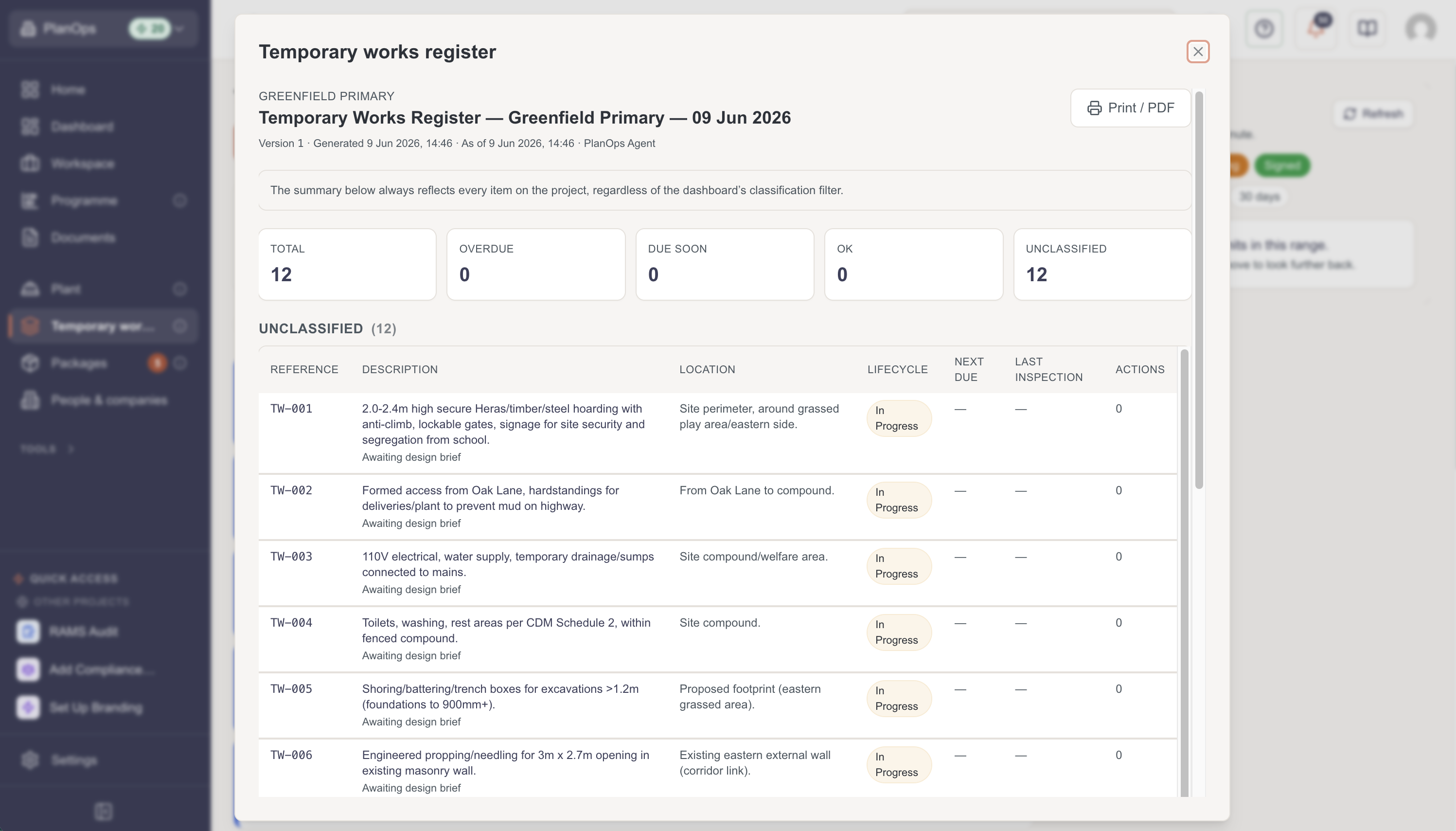
Scan the register to see each temporary works item, its design and approval status, and any permits associated with it.
Step 3: Add a temporary works item
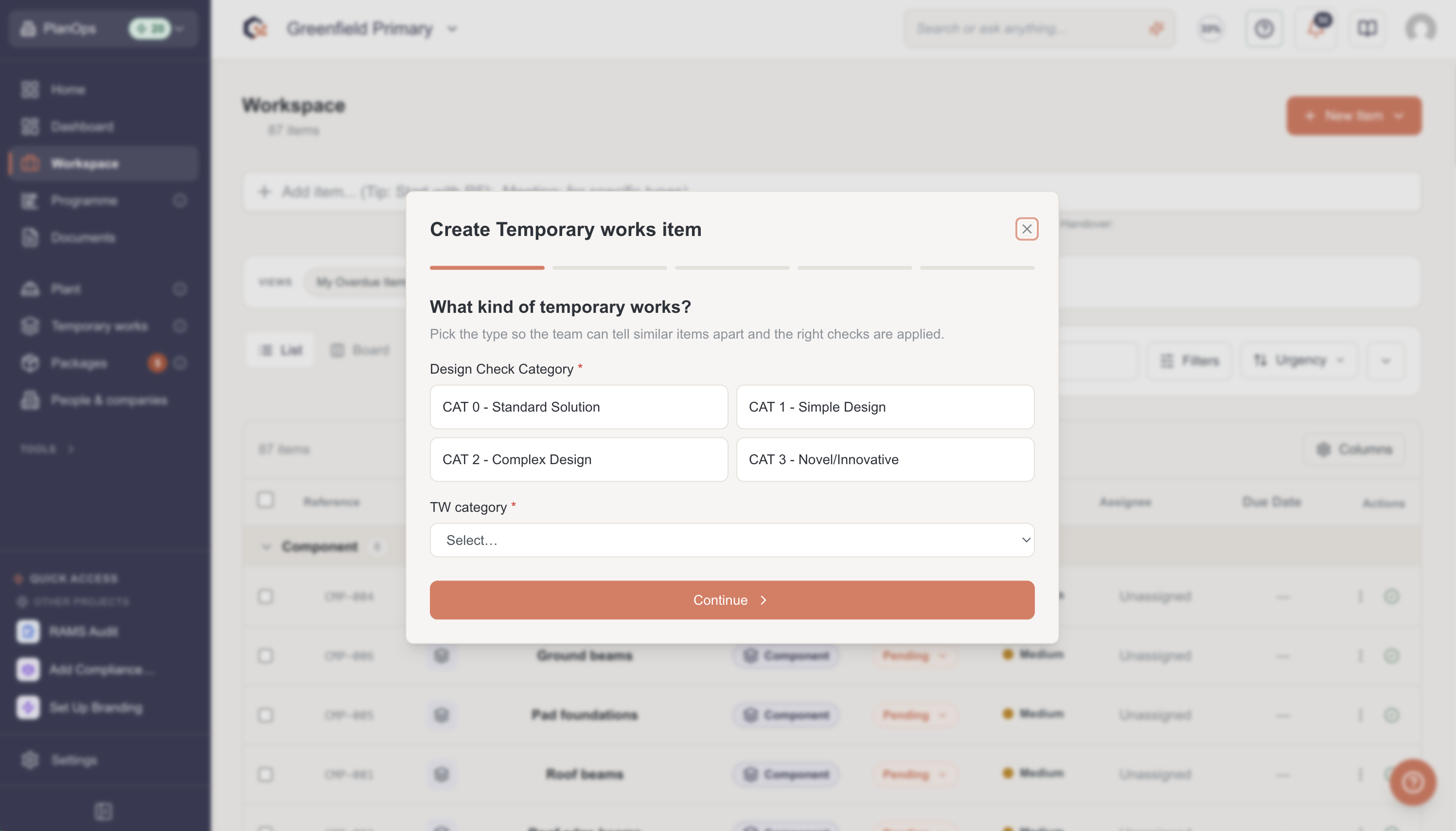
Create a new temporary works item and record its details so it can move through design check and approval.
Step 4: Track design check and approval status
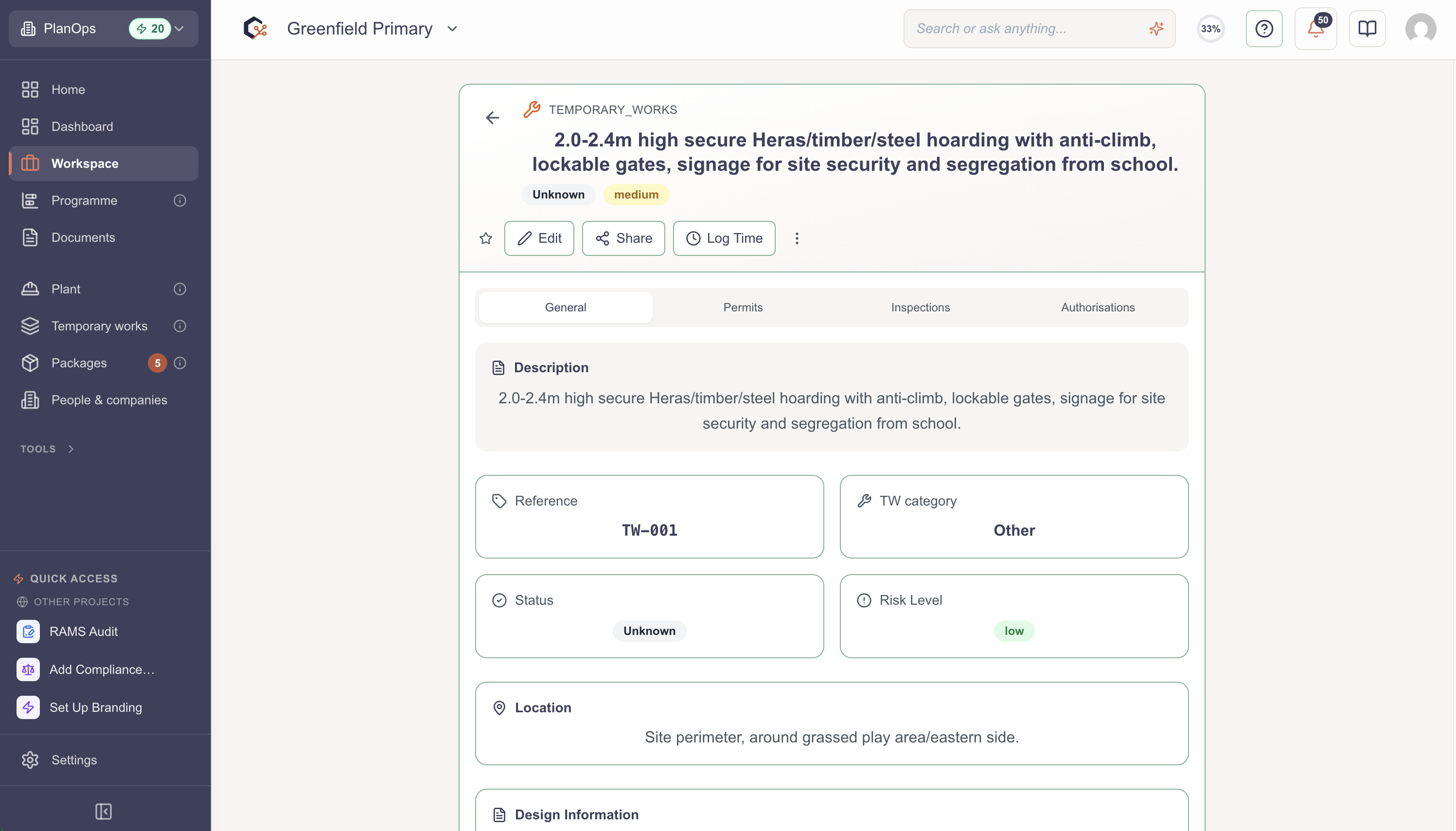
Follow each item through its approval workflow, reviewing who has signed off and what is outstanding before work can proceed.
Step 5: Manage permits
Issue, review, or sign the permit that authorises work for an item, keeping the register up to date.
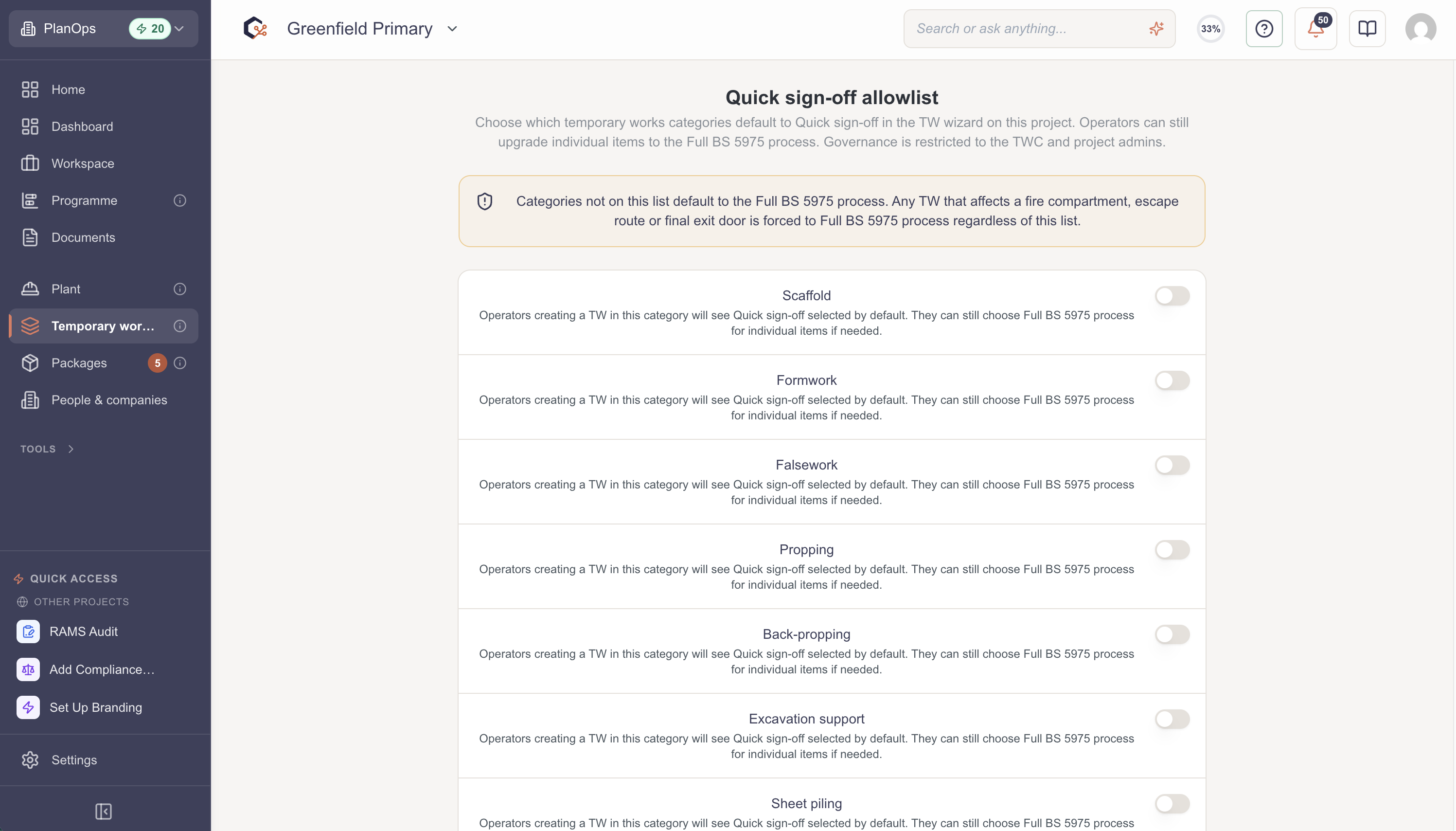
Step 6: Review the minor works allowlist
Open the minor works allowlist to see which low-risk temporary works are exempt from a full design and permit.
Related Tasks
Last updated: 2026-05-31T00:00:00.000Z