Review project documents each day
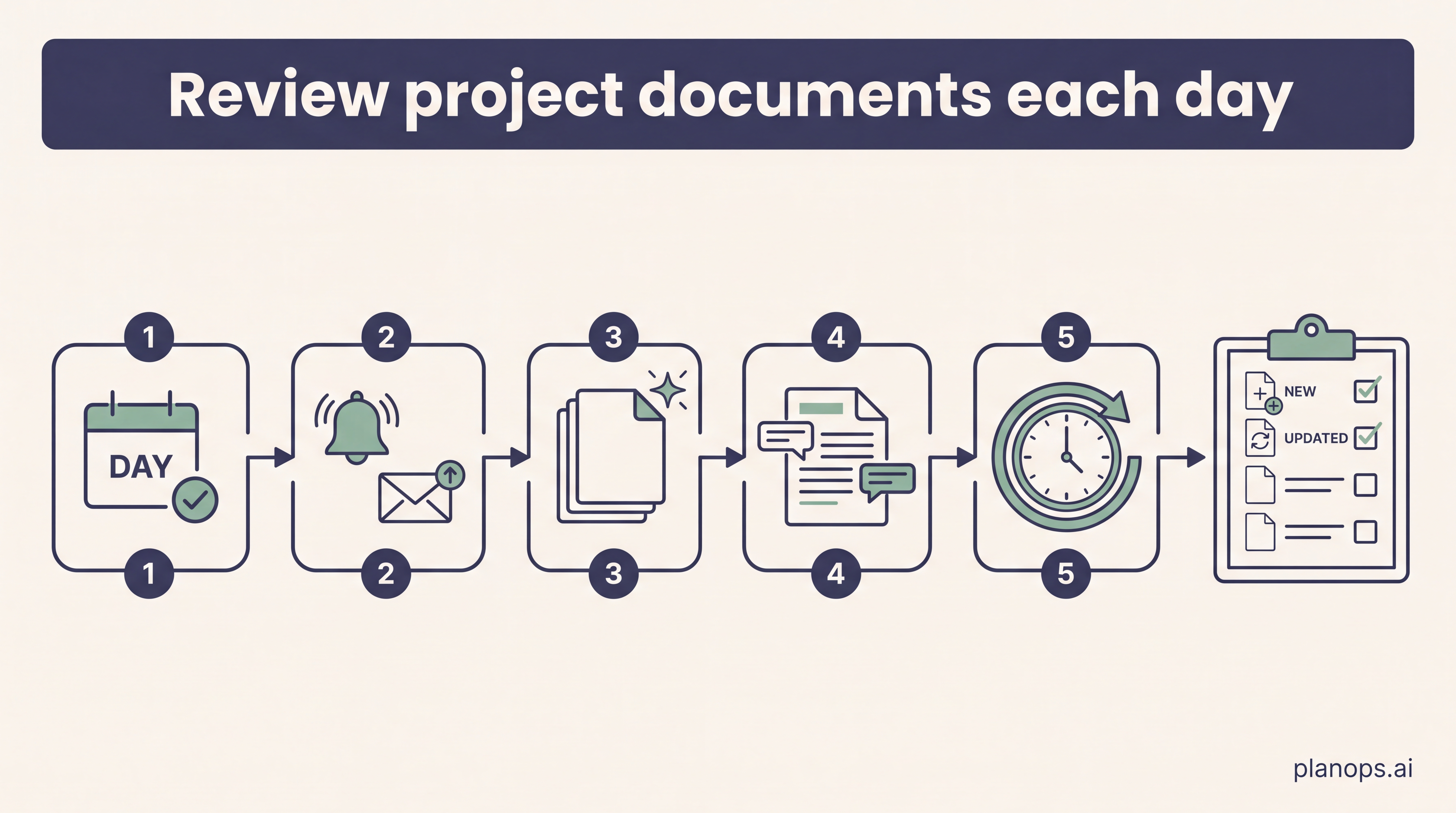
Run a daily document review so new and updated project documents are checked before the day starts. The report gives you a short record of what has changed and what needs attention.
A daily project document review report, scheduled to run before work starts.
A repeatable morning check of the last day's new and updated documents, with an email alert when the review finishes and a report ready to discuss with the team.
Time: ~10 minutes to set up · Level: beginner · Steps: 4
Steps
Steps marked ⚡ AI task are done for you by a PlanOps AI assistant, run from the Assistant Hub on your project home.
Step 1: Run the project document review ⚡ AI task
Run Project Document Review with the search period set to one day. Leave the remaining filters open unless you only want a specific document type, status or organisation checked. You can setup multiple scheduled daily checks for different purposes. Before running the task, check that 'notications' are on to get an email when the assistant task has completed.
Run on demand from the Assistant Hub.
AI task: Review what newly uploaded documents mean for the job
Step 2: Review the generated report
Open the report and check that the summary matches what you expected to see from the latest uploads and updates. Add comments or corrections while the context is fresh.
Full guide: Review and discuss a project report
Step 3: Schedule the review to repeat daily
Use the completed run to create a recurring schedule. Set the repeat pattern to daily and set the run time before you normally start work, so the day's document review is waiting for you.
Full guide: Schedule a recurring task from Recent runs
Step 4: Confirm the schedule is active
Open the Schedules tab and check the new daily review schedule is active, with the next run showing the time you chose. Use this view later to pause, edit or retry the schedule. You will have a review of your project documents in your inbox each day.
Full guide: Manage agent schedules
Related workflows
Last updated: 2026-06-30