Produce and accept a Construction Phase Plan
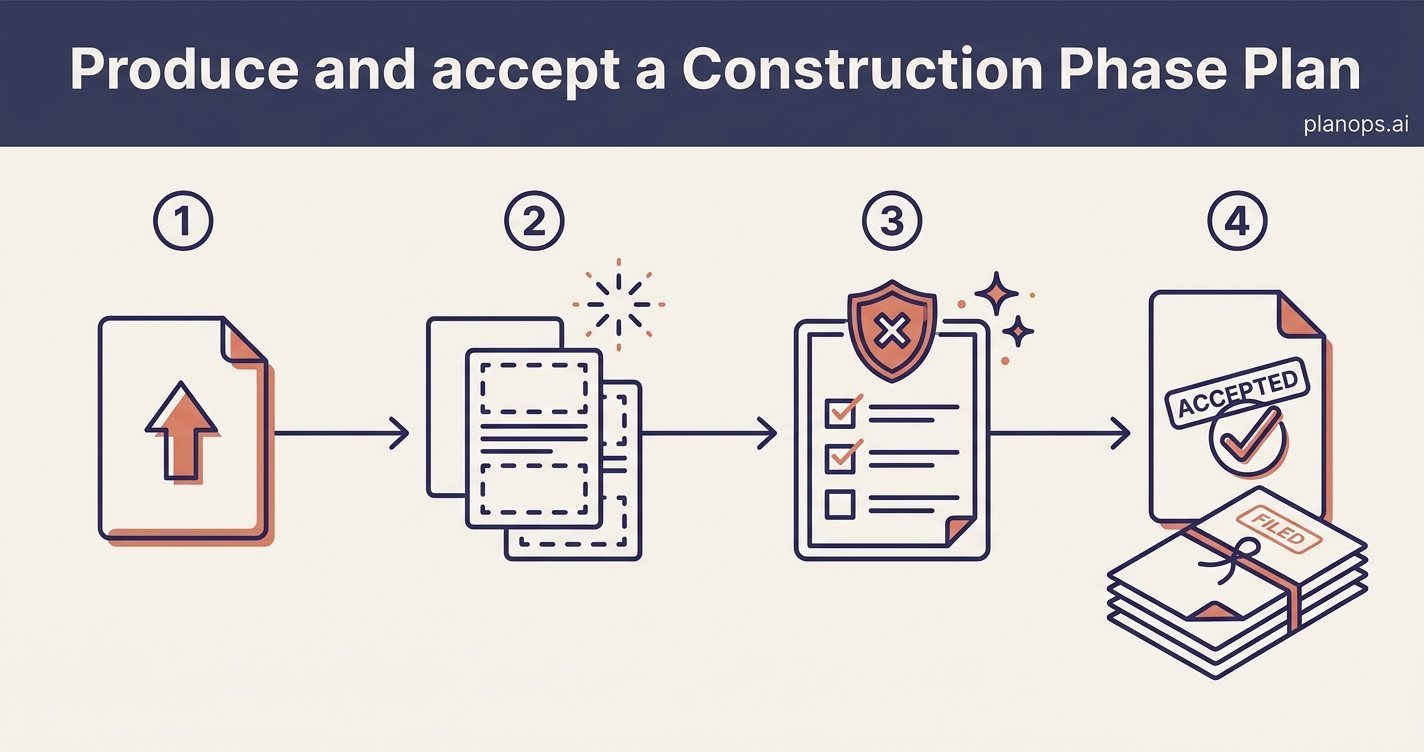
Turn the pre-construction information into a Construction Phase Health & Safety Plan, check it against CDM 2015, and accept the version the team works to.
An accepted Construction Phase Health & Safety Plan, checked against CDM 2015 and on record for the project.
A Construction Phase Health & Safety Plan built from your project's documents, reviewed against CDM 2015 Regulation 12(2) with gaps closed, and marked as accepted so everyone knows it is the version to work to.
Time: ~25 minutes · Level: intermediate · Steps: 4
Steps
Steps marked ⚡ AI task are done for you by a PlanOps AI assistant, run from the Assistant Hub on your project home.
Step 1: Upload the pre-construction information and supporting documents
Add the pre-construction information from the client or principal designer, along with any specifications and client drawings, so everything the plan draws on sits in the project ready to use.
Full guide: Upload documents to a project
Step 2: Generate the Construction Phase Plan ⚡ AI task
Select your pre-construction information and any NBS specification, then let PlanOps draft a Construction Phase Health & Safety Plan tailored to the project, building it section by section with your confirmation along the way.
Run on demand from the Assistant Hub.
AI task: Draft the construction phase health and safety plan
Step 3: Check it meets CDM 2015 ⚡ AI task
Run the finished plan against Regulation 12(2) to get a compliance report that flags any gaps and tells you what to add, so the plan stands up before work starts on site.
Run on demand from the Assistant Hub.
AI task: Check your construction phase plan against CDM 2015
Step 4: Accept the plan
Open the reviewed plan, make any final edits, and set its status to accepted so the whole team knows which version to work to.
Full guide: Review and update document details
Related workflows
Last updated: 2026-06-16