Check project documents for compliance
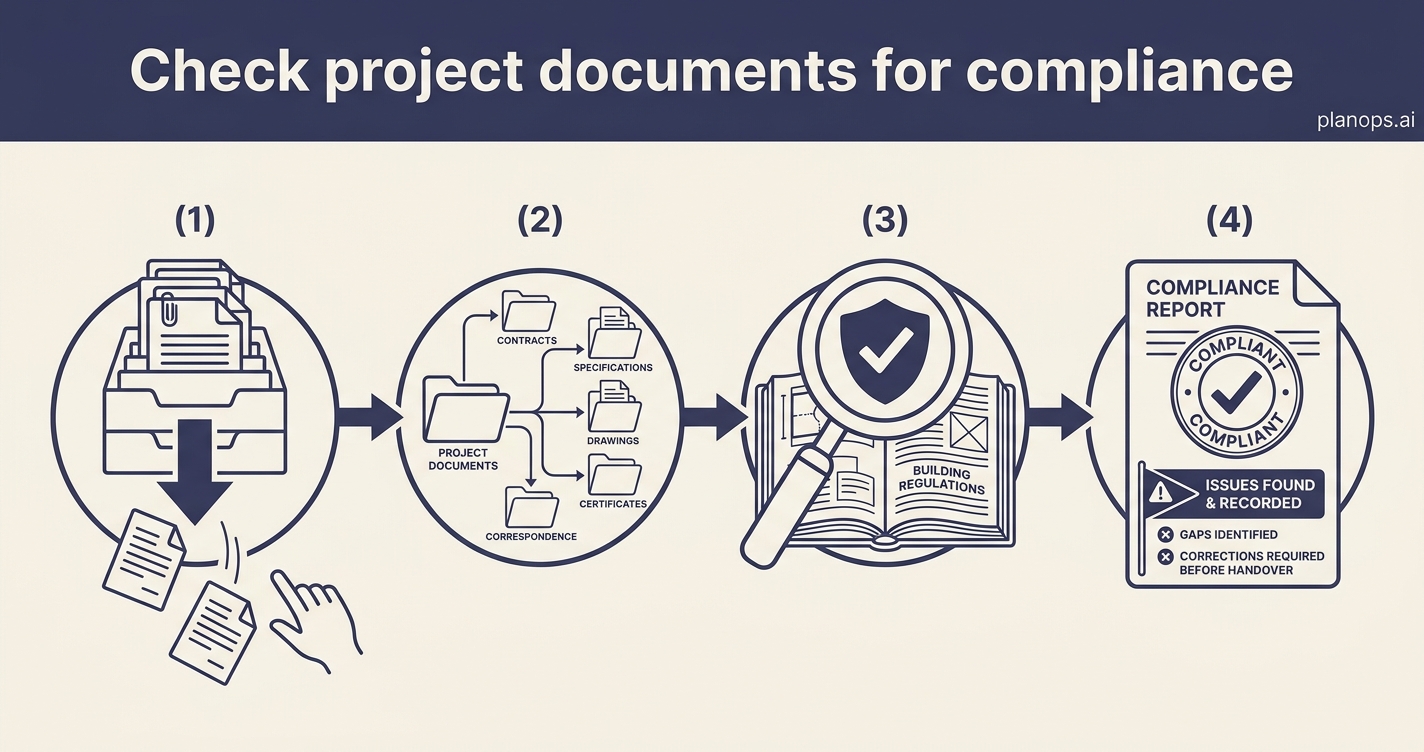
Bring order to incoming documents and let AI check them against UK Building Regulations — so compliance gaps surface early, not at handover.
A reviewed document set with compliance issues flagged and recorded.
Pending documents triaged and organised, analysed against the relevant regulations, with issues captured in a structured report you can act on and defend.
Time: ~25 minutes · Level: intermediate · Steps: 4
Steps
Steps marked ⚡ AI task are done for you by a PlanOps AI assistant, run from the Assistant Hub on your project home.
Step 1: Run the building control compliance check ⚡ AI task
Run Building Control Compliance Analysis with the search period set to one day. Leave the remaining filters open unless you only want a specific document type, status or organisation checked. You can set up multiple scheduled daily checks for different purposes. Before running the task, check that 'notifications' are on to get an email when the assistant task has completed. Set the AI assistant loose on your documents to check them against UK Building Regulations and surface the issues that matter.
Run on demand from the Assistant Hub.
AI task: Building Control Compliance Analysis
Step 2: Review the generated report
Open the report and check that the summary matches what you expected to see from the latest uploads and updates. Add comments or corrections while the context is fresh.
Full guide: Review and discuss a project report
Step 3: Schedule the review to repeat daily
Use the completed run to create a recurring schedule. Set the repeat pattern to daily and set the run time before you normally start work, so the day's document review is waiting for you.
Full guide: Schedule a recurring task from Recent runs
Step 4: Confirm the schedule is active
Open the Schedules tab and check the new daily review schedule is active, with the next run showing the time you chose. Use this view later to pause, edit or retry the schedule. You will have a review of your project documents in your inbox each day.
Full guide: Manage agent schedules
Related workflows
Last updated: 2026-07-20