Identify which activities need a RAMS
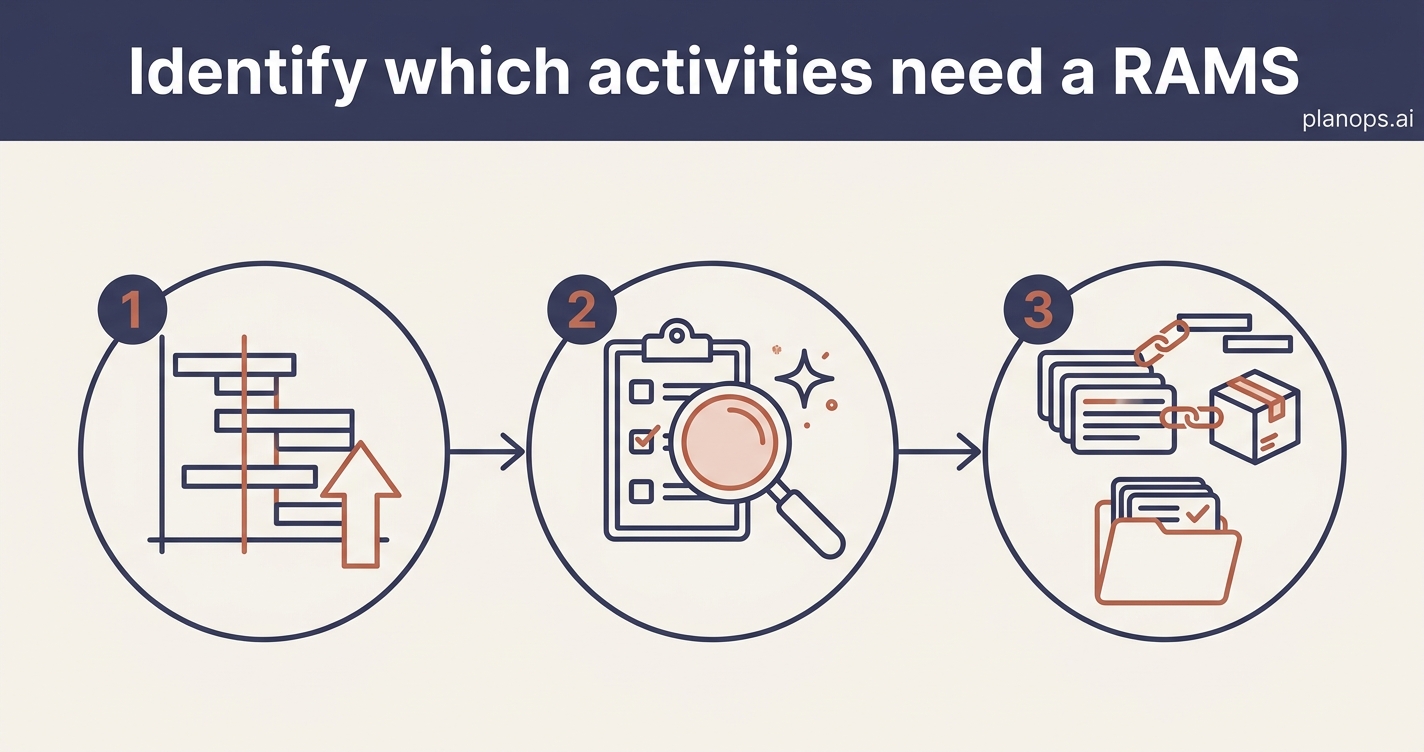
Screen your programme and work packages to find the activities that need a Risk Assessment and Method Statement before work starts, so nothing high-risk slips through unplanned.
A RAMS lifecycle item raised for every activity that needs one, linked to its programme activity and package.
A screened programme with a RAMS lifecycle item raised for every activity that needs one — work at height, lifting, excavations, temporary works and the rest — each linked to its programme activity and work package. You know what RAMS to call for before work starts, with a record you can defend at audit.
Time: ~15 minutes · Level: beginner · Steps: 3
Steps
Steps marked ⚡ AI task are done for you by a PlanOps AI assistant, run from the Assistant Hub on your project home.
Step 1: Get your programme into the project
Import the programme activities so the screening has the real schedule to work from. With your activities and work packages in place, PlanOps can see what the job involves and when.
Full guide: Bring your programme into PlanOps in one go
Step 2: Screen the programme for RAMS requirements ⚡ AI task
Run the screening to check every programme activity and work package against risk-based criteria and legal triggers. PlanOps flags the activities that need a RAMS and raises a RAMS lifecycle item for each, linked to the activity and package it covers.
Run on demand from the Assistant Hub.
AI task: Find which programme activities need a RAMS
Step 3: Review the RAMS items that were raised
Open the new RAMS records to check the risk category and the linked activity and package look right, and to see at a glance which RAMS you still need to collect from your subcontractors.
Full guide: Review lifecycle item details
Related workflows
Last updated: 2026-06-16